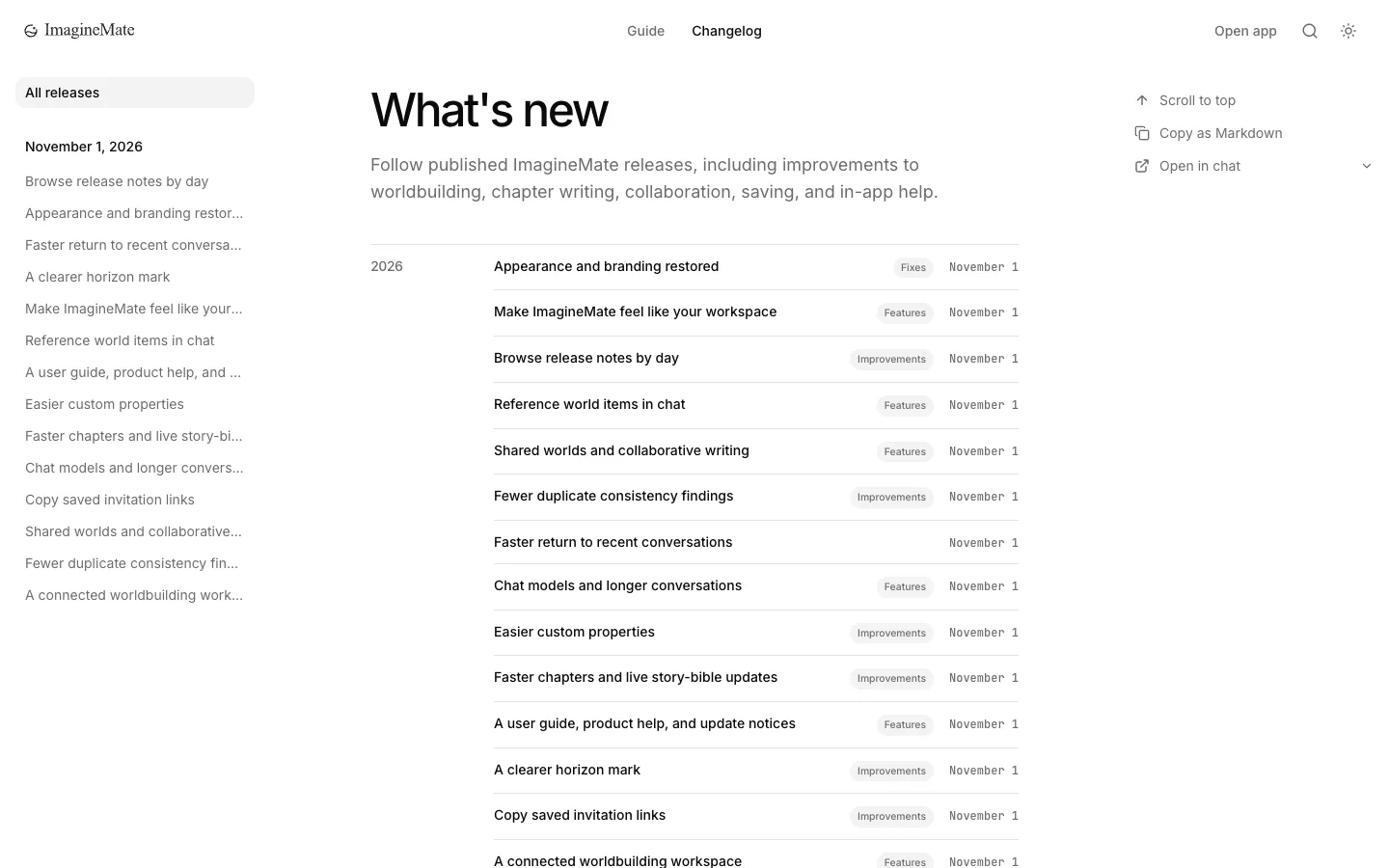
Browse release notes by day
Find release notes under dated sidebar headings, with the newest day first, on the release list and individual updates.
The changelog sidebar now groups release notes by calendar day, with the newest day first and links within each day ordered from newest to oldest release. You can browse the same dated links from the full release list or while reading an individual update.
Choose All releases to return to the full list. On a small screen, open the navigation menu to find the date groups. Existing release links still work; no action is required.