

Shared worlds and collaborative writing
Invite editors or viewers, write books and chapters together, collaborate on boards, and preview or restore checkpoints while preserving later history.
Invite people to a world as editors or viewers. Invitation links lead through sign-in to an explicit acceptance step, and accepted worlds appear in the recipient’s world list. Owners can change roles or remove access.
Organize writing into books with a synopsis, outline, and ordered chapters. Connected editors can write in the same chapter or work on the same board. Presence shows who is in the world and where they are working; private assistant conversations remain separate.
Chapters and boards support automatic and named checkpoints. Preview a checkpoint before restoring it. Restoring preserves later history and coordinates with open editors so stale changes cannot silently replace the restored version.
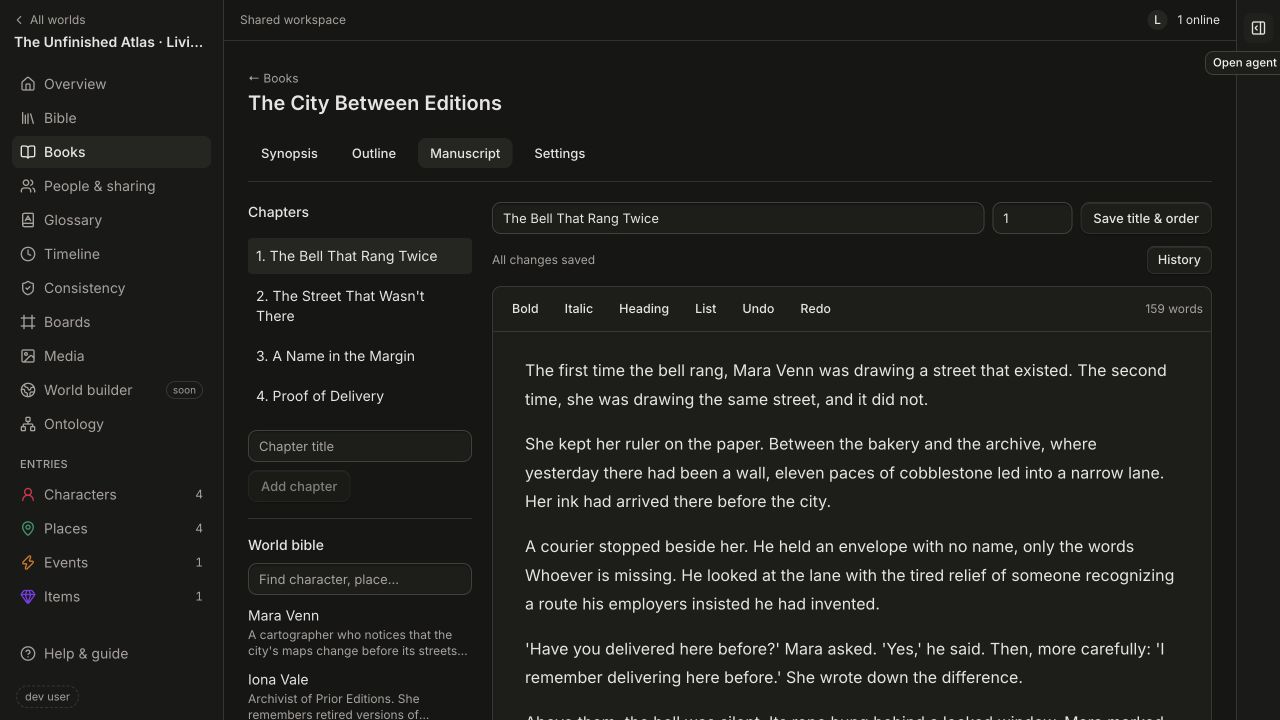
The screenshot shows the current editor with the fictional Unfinished Atlas demo.
Read about sharing, books, chapters, and revision history.