

Reference world items in chat
Type @ to attach characters, boards, or chapters to a message. Grouped suggestions help you select exact items and share their saved content with the assistant.
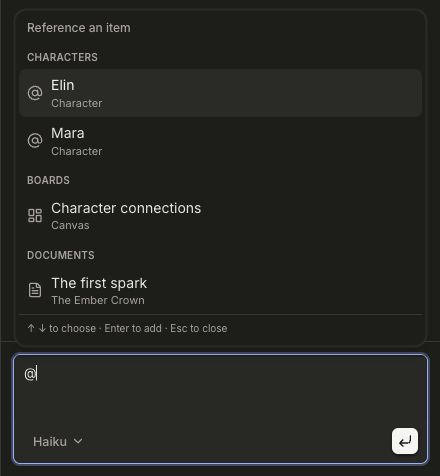
Type @ in the chat input to find items from the current world. Suggestions are grouped by bible entry type, Boards, and Documents; chapter suggestions include their book name.
Select with the keyboard or mouse, attach up to ten references, and remove one before sending if you change your mind. Click a reference in a sent message to open its item.
References identify the selected item and provide its current saved content to the assistant. Board references provide saved text and shape structure, not visual understanding of drawings or images. Large items may be excerpted.